Tell callers or send responding crews to the nearest AED
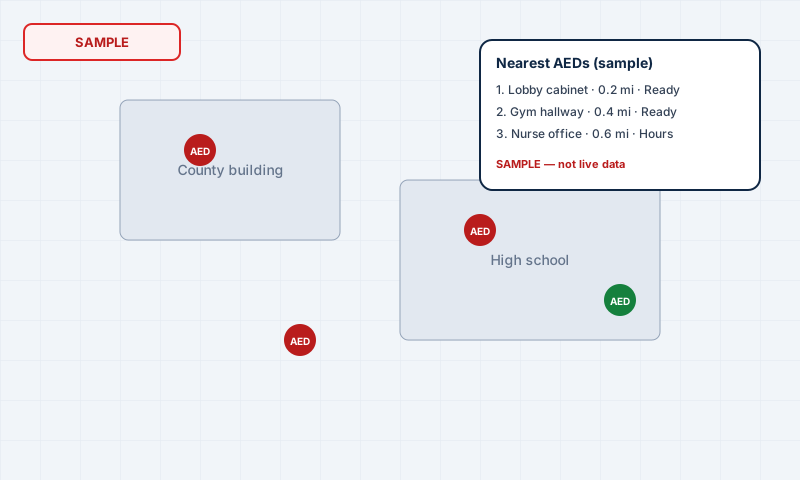
Type the caller's address. Responder Atlas shows the 3 nearest working AEDs with distance, the exact spot, access notes and open hours. Dispatchers can also alert the business's staff to bring theirs.
Top 3 nearestReady status, distance and hours at a glance
Send to responding unitCopy the AED address, spot and access notes for the crew
AED-needed alertsOne call, one AED: the owner's staff get an email
Every picture below is sample data so you can see the layout. Your department only ever sees its own hydrants and AEDs.
Standard & Pro
Fire hydrant maps
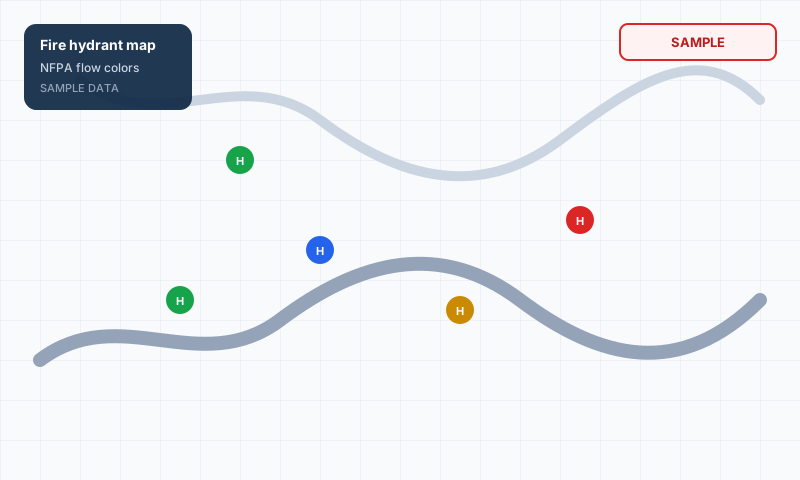
Plot hydrants on your department map, color them by NFPA flow class, mark out-of-service units, and import a CSV when you already have a spreadsheet. Mutual-aid partners can view your pins without seeing your members or reports.
✓Click the map or use GPS to add a hydrant
✓Filter in-service vs out of service
✓CSV import with a blank template
✓Map layers for hydrants and AEDs together
Sample data — not a live department mapSample data — not a live AED registry
Standard & Pro
AED location maps
Dispatchers type the caller's address and get the nearest working AEDs with distance, placement, access notes, and hours. Fire can inspect AEDs on rounds. Businesses register for free so 911 can see their units.
✓Top nearest working AEDs for the call
✓Copy notes for the responding crew
✓SB 399 registration intake for the county
✓Email alerts to a business's staff when an AED is needed
Ask for help · Pro AI stay off until you turn them on
Help that stays in your department
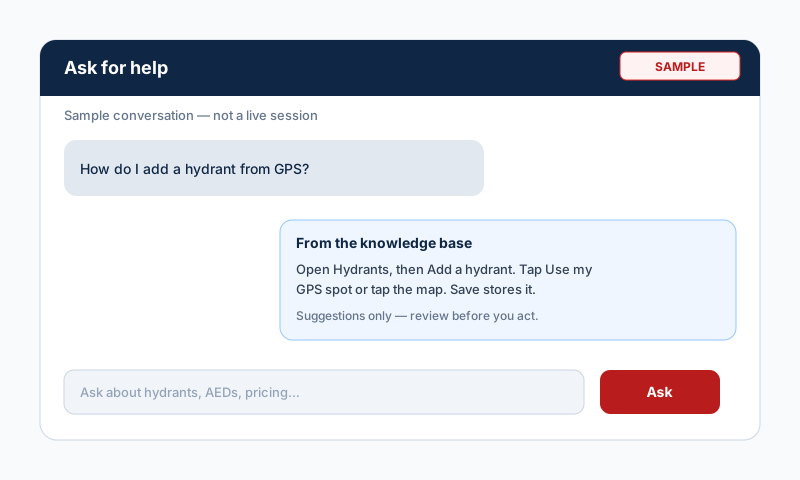
Ask for help is on every page. It answers from Responder Atlas articles and, when you are signed in, from your own department counts. If a provider key is set it can draft a reply; if not, you still get the articles and a way to talk to a person.
✓Answers from the built-in knowledge base
✓Does not read another department's data
✓Talk to a person creates a request for 3J Systems
✓Pro adds AI drafts for Ask for help and Fire setup — suggestions only; a person confirms before anything is saved
Pro is $69.99/month or $699.99/year — invoice from 3J Systems LLC.